GalaxyPad 0.2.1: Super Mario Galaxy on iPhone and iPad, with a faster menu
GalaxyPad 0.2.1 runs Super Mario Galaxy natively on iPhone and iPad, with a faster menu and the game paused while menus are open.
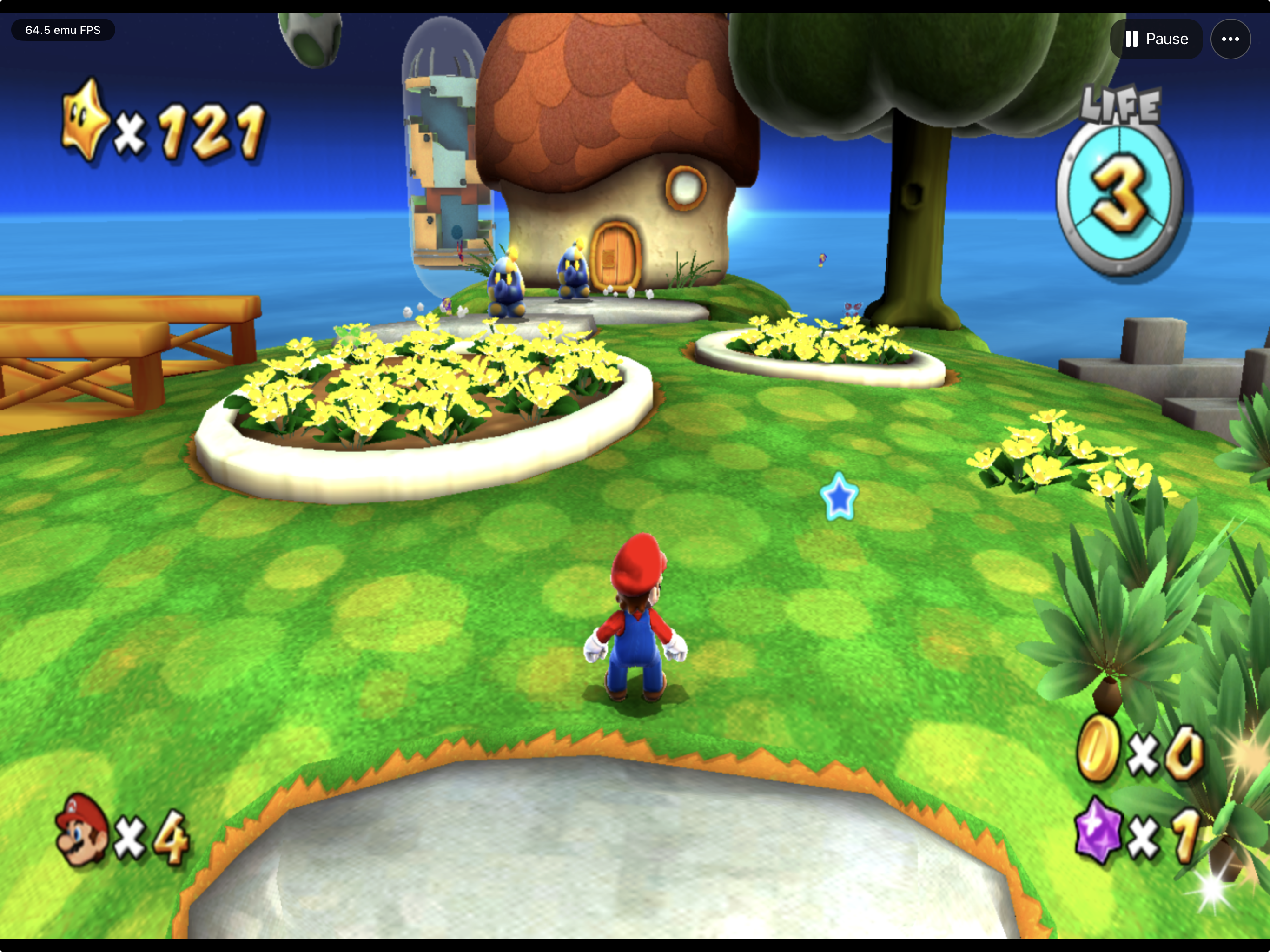
GalaxyPad 0.2.1 runs Super Mario Galaxy, the Wii game, natively on iPhone and iPad. This update fixes the slow three-dot menu from 0.2.0 and pauses the game while any menu or sheet is open.
The app uses the New engine, a maintained fork of MacioGalaxy built on the Petari decompilation of the game’s code. The game code is compiled directly for Apple silicon, with Metal rendering and touch and controller support. The project is experimental. The release notes say full-game completion is not verified, and the menu fix has automated tests but its responsiveness has not been checked by hand.
There is no prebuilt IPA, so you build it yourself with PadMint 0.5.2 or newer on an Apple silicon Mac.
- Install Xcode 26 or newer, open it once, and select it under Settings → Locations → Command Line Tools.
- In PadMint, choose GalaxyPad and iPhone / iPad. The first build downloads its tools and needs about 20 GB free.
- Install the .ipa with AltStore, SideStore or Sideloadly. To update, install over your current copy with the same Apple ID so your saves stay.
- Open the app, go to Game Data & Saves, and import your own USA RMGE01 revision 0 WBFS image. Keep 9 GiB free on the device.