Fable II recomp gets an early Apple Silicon build, v0.1.1
A prerelease fork of the Fable II recomp runs on Apple Silicon Macs with a Metal renderer. Its author says it is mostly AI-generated.
Xbox 360 → Mac · Recompilation
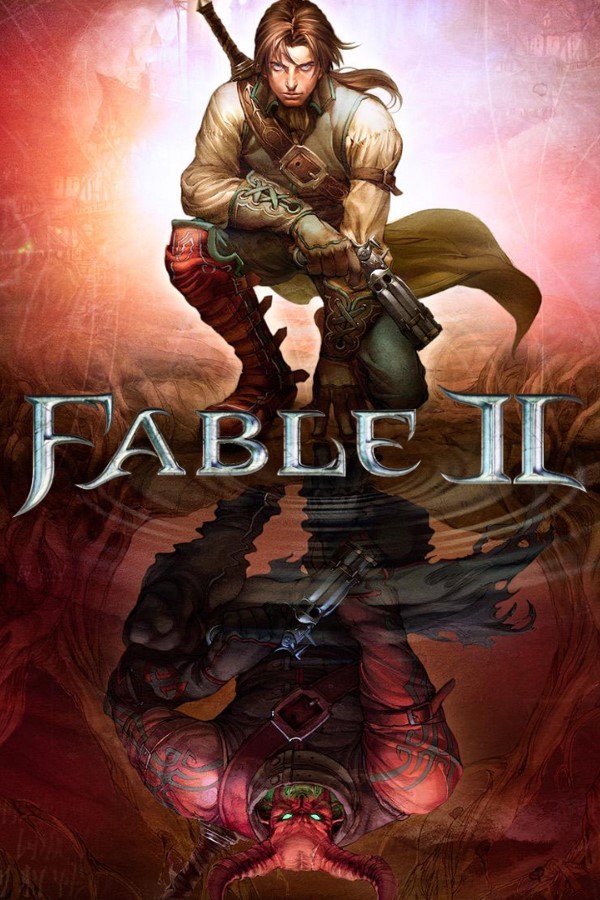
Fable II, the Xbox 360 game, now has a native Apple Silicon build, and it is an early one. The developer andrew17182 published Fable-2-Recomp-macOS v0.1.1 as a prerelease. It is a Metal port of the static recompilation Fable-2-Recomp by himdo. The README says Windows and Linux users should use that original project.
The fork adds features the original game never had. Turbo runs up to 4x, with a hotkey for each speed. Quick save sits on 5 or F6, and you can load any save from the launcher. The frame rate can be capped at 60 or left uncapped, and the internal resolution goes to 2x or 3x. Frame generation takes the game from 30 to 60 FPS with MetalFX, but only on macOS 26. Skip intros, an FPS counter and keyboard and mouse input are in there too.
The README is blunt about the state of the project. The fork is mostly AI-generated, written as one developer’s experiment in single-person coding with AI, and it has not been played through to the ending. Back up your saves, which live in ~/Library/Application Support/Fable II for Mac/.
The README also says issues, comments and pull requests may be processed by AI.
You need an Apple Silicon Mac on macOS 15 or later, about 8 GB of free space, and your own Fable II disc image (.iso). The app checks the default.xex hash, and the only release tested is Platinum Hits.
- Download Fable II.zip from the Releases page, unzip it, and drag Fable II to Applications.
- macOS will say “Fable II” Not Opened, because the app is not notarized. Open System Settings, go to Privacy & Security, and click Open Anyway. You do this once per downloaded version.
- Choose your disc image. The app copies the game files into ~/Library/Application Support/Fable II for Mac.
- Install Command Line Tools if macOS asks. The first build is the slow part. On an M5 Max the build takes about a minute and shader prep about 45 seconds. On an M3 Pro the build takes about 2.5 minutes and shader prep up to 2 minutes.
Building from source needs Xcode and about 13 GB of disk space.

