Donald Duck: Goin' Quackers Recompiled v0.1.9 Lands with RT64 Fixes and Skip Newscast
Donald Duck: Goin' Quackers Recompiled v0.1.9 updates the AI-assisted N64 static port with RT64 rendering fixes and a skip newscast toggle.
N64 → PC (Windows), Linux / Steam Deck, Browser · Recompilation
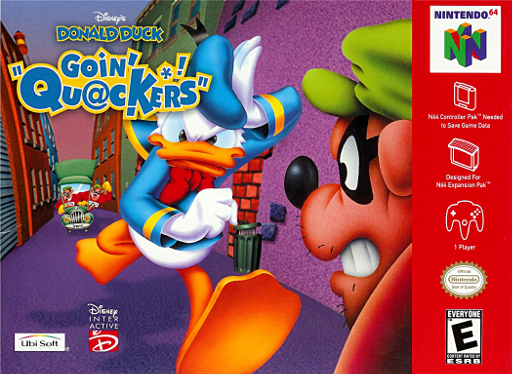
Static recompilation hits the Nintendo 64 platform again as donald-duck-goin-quackers-recomp rolls out version 0.1.9 for Windows and Linux. Almost all of the code was written by AI agents (Claude), directed and play-tested by a person. The native PC port translates original MIPS instructions into C without traditional source decompilation.
Version 0.1.9 is built on the newest RT64 graphics library. It fixes a crash when a game copies from a 4-bit framebuffer, and a camera bug that let a scene with a broken camera pull another scene’s objects out of place between frames. On the feature side, a new Skip Newscast option lets players jump straight into the lab from the start button.
- Extract the release archive for your platform (Windows x64, or Linux x86-64 with glibc 2.35 or newer, a Vulkan driver, GTK 3 and FreeType). Windows also needs a recent Visual C++ 2015-2022 redistributable (x64).
- Supply your own USA release ROM (
.z64, 20 MiB, SHA-1e31a7567d408c890065029ba537f830765b17d94). - Launch the binary, select Load ROM, and click Start Game.
The game has not been played from start to end yet, and the Linux build has run only on Mesa’s software Vulkan, not on a GPU. A browser version also exists at n64hub.com/goin-quackers.