DinoPad 0.2.3 fixes iPhone and iPad builds that failed at the last step
DinoPad 0.2.3 fixes a build error on Apple Silicon Macs when PadMint's game folder sits behind a symlink.
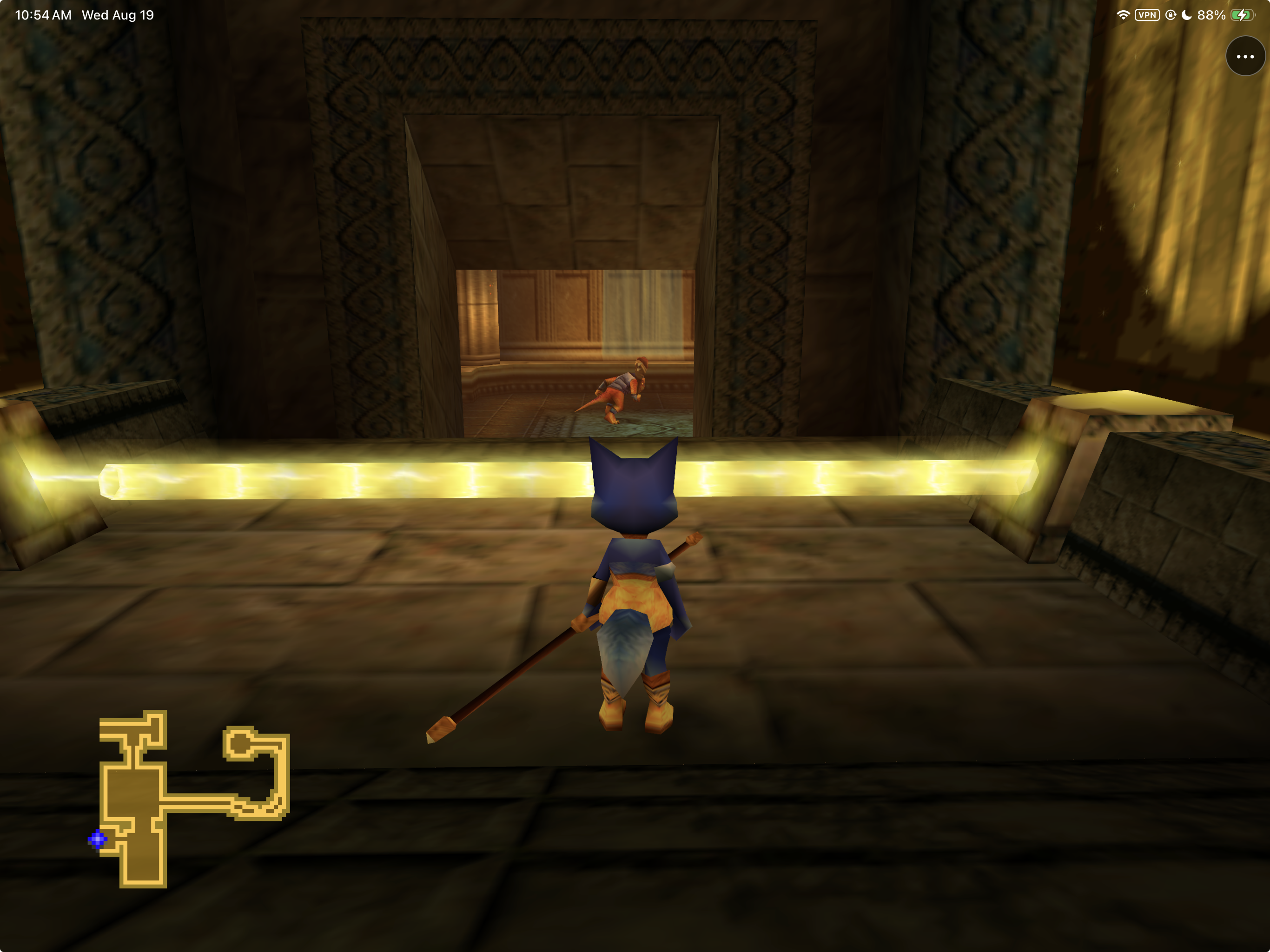
DinoPad 0.2.3 for iPhone and iPad fixes a build error that hit some people on Apple Silicon Macs. The release doesn’t ship an app. You build your own copy with PadMint from your own ROM of the December 2000 Dinosaur Planet prototype, a Nintendo 64 game.
DinoPad sits on top of Dinosaur Planet: Recompiled, which does the game-specific static recompilation. DinoPad adds the native macOS, iOS and iPadOS layer, touch controls and packaging. The README says it is not an emulator and doesn’t use JIT compilation.
The bug showed up when PadMint’s game folder sat behind a symlink, which macOS temp folders do. The 0.2.2 build finished the app, then its final safety check failed with “Ninja dependency database contains no repository ref/ dependencies”. Version 0.2.3 follows the symlink, and the check passes.
How to try it:
- Open PadMint, choose Dinosaur Planet and pick your ROM.
- Follow the full steps in the README.
- If you already have DinoPad, install the new copy over the old one with the same tool and Apple ID. Your saves stay.
The base edition that PadMint builds contains Prototype Mode only. DinoMod Enhanced and Restored Adventure are not in it, because redistribution permission for DinoMod hasn’t been granted. The IPA contains code translated from your ROM, so keep it to yourself. The release notes say the fix was checked on a clean PadMint iPhone/iPad build with Apple’s Python and an empty PadMint folder.