DBZ Burst Limit Recompiled 0.6.2-alpha picks the dedicated GPU and speeds up rendering
Dragon Ball Z: Burst Limit Recompiled v0.6.2-alpha picks the dedicated GPU by itself and renders faster. Xbox 360 static recomp for PC.
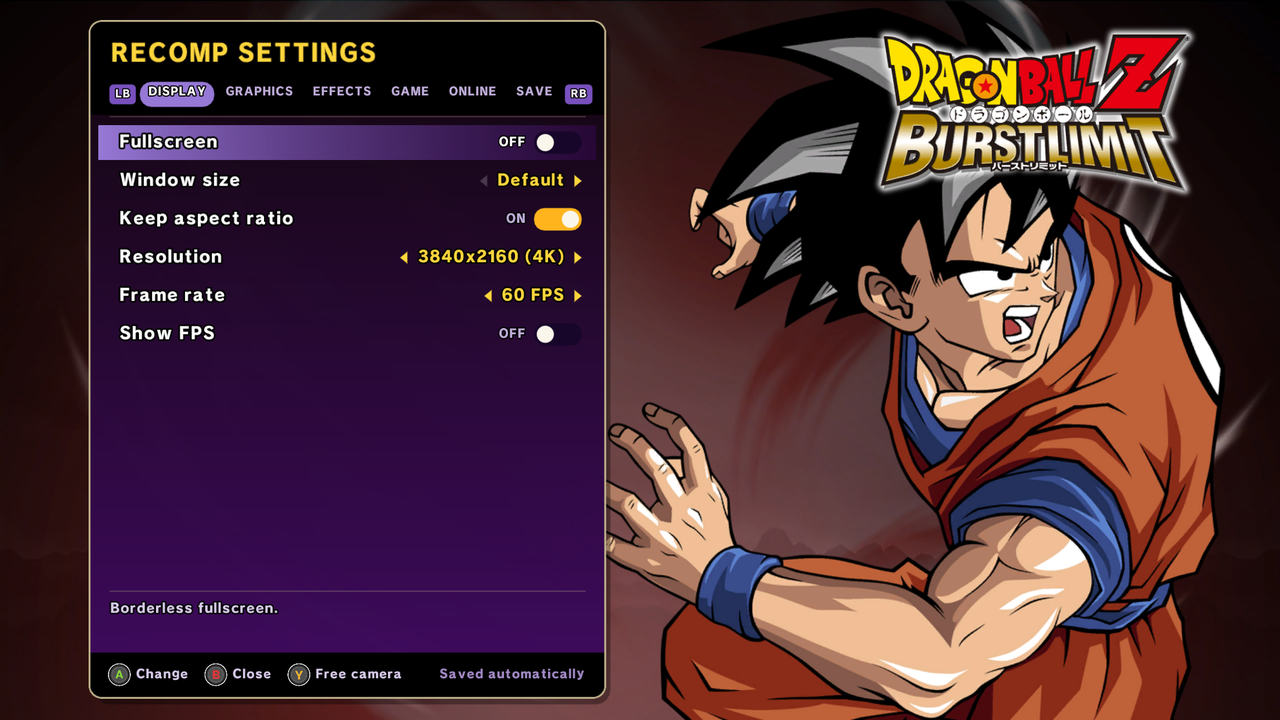
Dragon Ball Z: Burst Limit Recompiled v0.6.2-alpha is out, and the main change is GPU handling. The game now picks the strongest GPU on its own. On PCs and laptops with integrated and dedicated graphics, it runs on the dedicated one.
The project is a static recompilation of the Xbox 360 game for native Windows x64. The game’s PowerPC code is translated ahead of time into C++ and compiled with Clang, using the ReXGlue recompiler and runtime. The result is a regular Windows program.
According to the release notes, on an RTX 4080 at 5K, Goku’s special explosion went from 50 to 81 FPS and a quiet fight went from 97 to 246 FPS. On an AMD integrated GPU at 960x540, the explosion went from 40 to 48 FPS. Intel GPUs now use the fast render path, which the notes say was about 2.4x slower before. If old Intel drivers break the picture, set F1, DISPLAY, Render path to Compatibility (ROV) and restart.
This is an alpha, so expect bugs. Only the US NTSC-U version works. Online play needs both players on 6.2, because rooms are version-locked.
How to try it:
- Own a legal US copy of the game as a .iso.
- Download the Windows zip, or the Linux zip for Linux and Steam Deck.
- Run burstlimit.exe or ./run_linux.sh. On first start, pick the .iso. About 3.3 GB of files get copied over.

