CachyOS runs on PS5 firmware 13.60 with a new install guide
A new guide runs the CachyOS Linux desktop on a jailbroken PS5 on firmware 13.60, with fixes for Wi-Fi, Bluetooth and the DualSense.
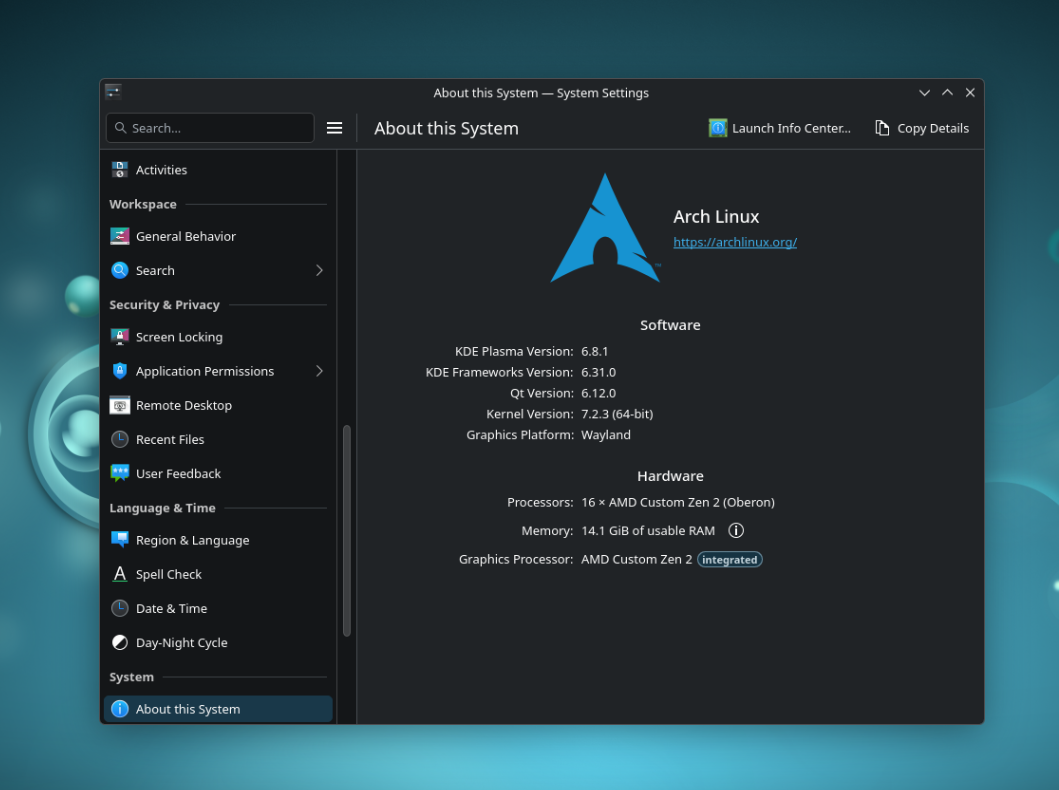
The CachyOS Linux desktop now runs on a jailbroken PS5 on firmware 13.60, and a new guide on GitHub covers the install and the fixes people hit first. The author, who posts as Funny_Abrocoma8972 on Reddit, says KDE Plasma, Steam in desktop and Gaming Mode, Wi-Fi, Bluetooth, the DualSense and hardware video decode all work on their unit.
Linux runs from an external SSD, so nothing goes on the PS5’s internal storage. The base is ps5-linux, which boots Linux on PS5 through patched hypervisor vulnerabilities. The guide uses soniciso1’s ps5-linux-loader, which added 13.60 support, and the official ps5-linux CachyOS image on a 1 TB USB-C SSD.
Rebooting Linux drops you back into PS5 OS, so you run the exploit and the loader again each time. The author warns that running any other payload before the loader makes it crash. The default login is steam / steam, and the guide suggests changing it, especially on shared Wi-Fi.
How to try it:
- Flash the CachyOS image to the SSD. Flashing erases the whole drive.
- Put the PS5 into rest mode, wait for the solid orange light, then power on.
- Run the exploit (Y2JB or Relapse, both named in the post), then the Linux loader only.
- If the screen stays black, press Ctrl+Alt+F2, then Ctrl+Alt+F1, with a USB keyboard plugged in. The guide’s
install.shapplies most of the fixes in one go.