Breath of the Wild recomp for Android hits v0.1.11-beta
BOTWRecompAndroid v0.1.11-beta runs Breath of the Wild on Android from your own Switch game files. It is a beta, tested on one phone.
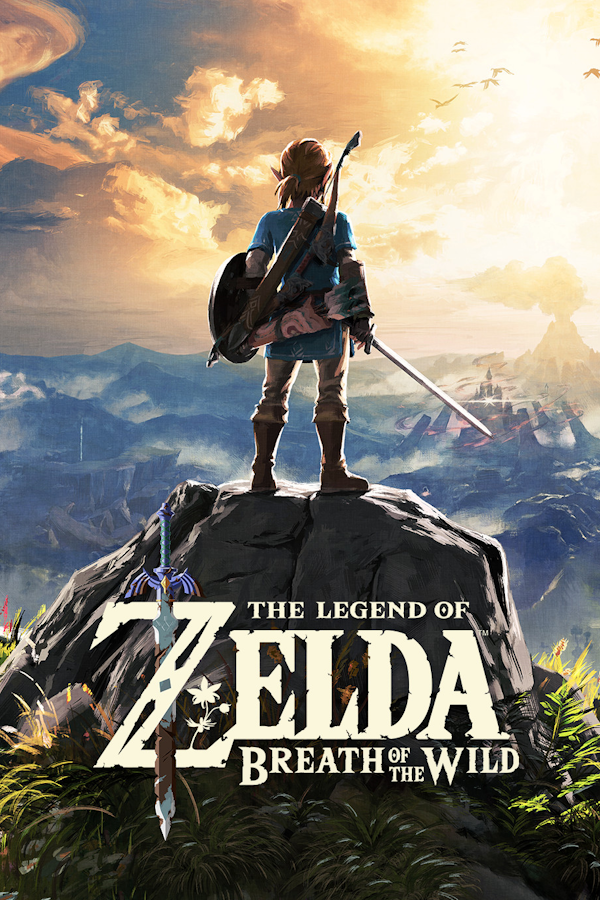
BOTWRecompAndroid v0.1.11-beta, a prerelease from developer mamcjr, is out, and it runs The Legend of Zelda: Breath of the Wild on Android phones. The game came out on the Nintendo Switch. This project is a static recompilation of versions 1.0.0, 1.6.0 and 1.8.2. The game’s ARM64 code gets converted to C and compiled for the phone, so no emulator runs it. The graphics, which use NVN on the Switch, are translated to Vulkan.
The project builds on LAS Recomp, peiikai’s recompilation of Link’s Awakening, and on the Android port of that work. The README says the project is made almost entirely with AI (Claude, through Claude Code), with a human directing, testing and reviewing it.
On the test phone, a POCO F7 Ultra, versions 1.0.0 and 1.6.0 run at 30 fps. Version 1.8.2 runs at 30, or up to 60, and gets about 40 to 47 fps in the open world with a Turnip driver. The 1.8.2 build adds Brazilian Portuguese, widescreen (set Video > Aspect ratio to “Unlocked”) and frame pacing from SavageWindRecomp. Upscaling uses AMD FSR 1 or Snapdragon GSR 1, and SMAA is there too. The game plays from the title screen into the world, with saves.
The project has several known limits. Only one phone has been tested. GPUs other than Adreno 8xx take slower, safer paths. Audio still uses a simplified mixer, and save thumbnails come out black. There is also a known bug: after a Sheikah Tower activation, the terrain can stretch into vertical spikes. The workaround is to load the autosave from right after the activation.
To try it, you need your own dump of the game, with the exefs and romfs folders extracted. The README says it will not provide instructions for getting one. Your phone needs Android 11 or newer, arm64, Vulkan, and about 30 GB free per game version.
- Download the APK from the project’s Releases page and install it.
- Open the app, tap Set up game files, and pick the folder with your
exefsandromfs. The app reads the version from the files, copies what it needs, and builds the game code on the phone. - On Adreno phones, pick a Mesa Turnip driver under Settings > Files > Vulkan driver. If the app says “Vulkan driver is too old”, long-press the app icon and choose Choose driver.
It is unclear how long the on-phone build takes, since nobody has timed or tested it with BOTW yet. The README warns of a long wait and a hot phone. Desktop ports and packaging were discontinued on 2026-10-22, so Android is now the only target. The first reports on compile time, and on phones other than the POCO, will show how it holds up.
