Beetle PCE PS5 1.1.1 fixes the PC Engine pad and CD games on network shares
Beetle PCE PS5 1.1.1 fixes the PC Engine pad on the card screen and read-ahead for CD games on NAS and SMB shares.
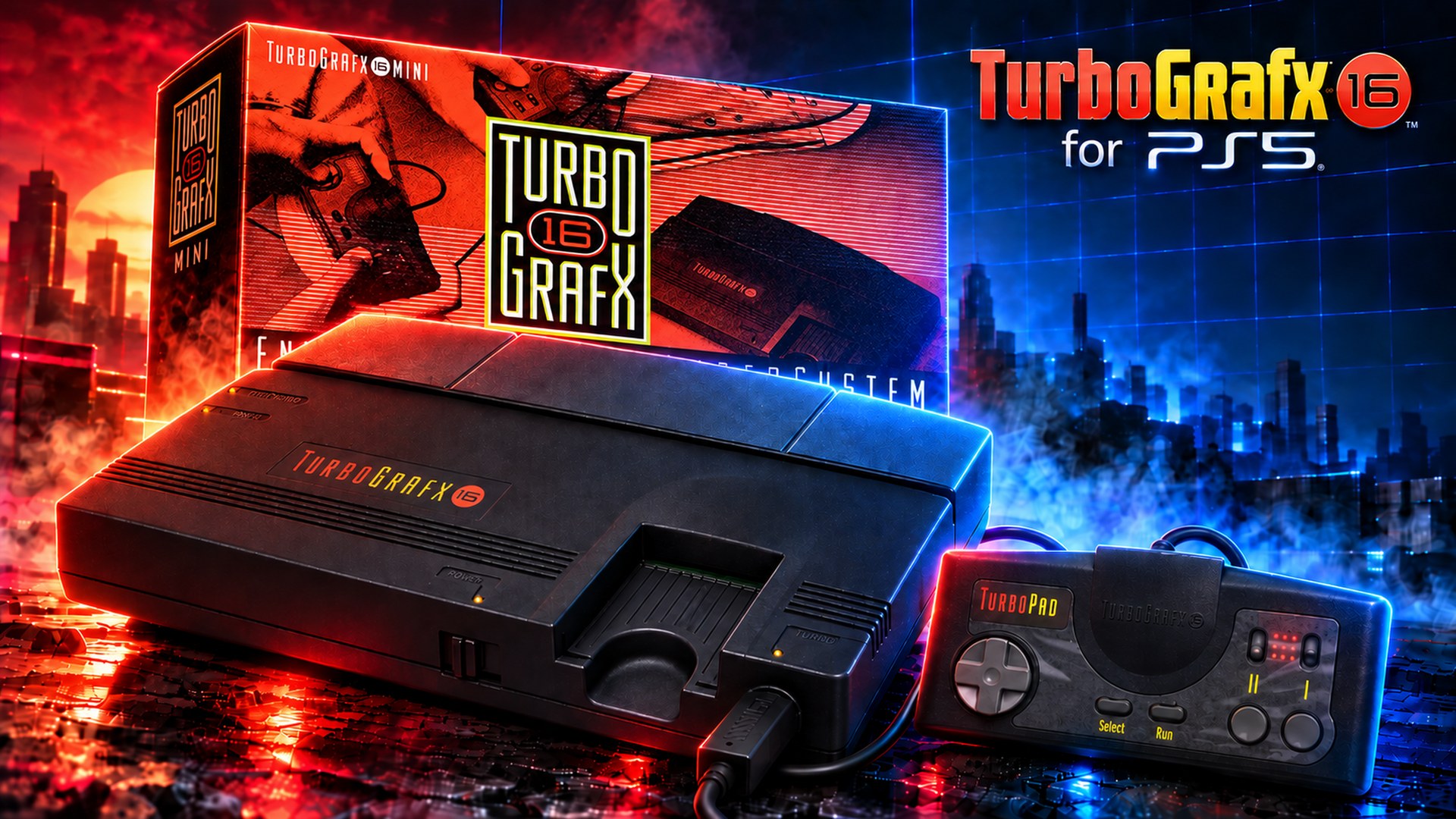
Beetle PCE 1.1.1 is out, and it fixes two things for people running the PC Engine app on a jailbroken PS5. For a game without a cover, the card now shows the PC Engine pad with its two round buttons, II and I. Before, it showed the four coloured buttons of a Super Nintendo pad, left over from the Snes9x PS5 port.
Beetle PCE is the PC Engine emulator from Mednafen, packaged for libretro. The PS5 port by MisterTemaki runs it as a native home-screen app with its own icon. One app covers HuCards, SuperGrafx, CD-ROM², Super CD-ROM² and the Arcade Card.
The second fix is for CD games played from a NAS or PC on the network. On a slow link, the running game’s own read-ahead now goes before the CD’s background prefetch. Blocks kept for an earlier track no longer count twice against the prefetch budget. A .cue whose .bin mixes 2048- and 2352-byte tracks now fetches each track’s start in the right place.
Read the status note first. The build passes 429 host tests, run on Linux with the PS5 calls simulated. Network shares and .7z support have not run on a real PS5 yet, and the README says no commercial game has been tried with this port.
How to try it:
- Send
BeetlePCEPS5-v1.1.1.elfto your payload loader on port 9021. Or let Settings > Updates fetch the app folder. You don’t need to download the zip yourself. - For CD games, put a System Card in
/data/pce/bios/.syscard3.pceis the best pick. The app says which file it needs if you skip this. - Press L3 + R3 inside the emulator to reach the main menu.
- If something breaks, turn on Settings > Debug logs. The logs land in
/data/pce/logs/.
Nobody has run the network share code on hardware yet, so the next bug reports will show whether it holds up.