3DS Link carries local wireless games over the internet through Azahar rooms
New 3DS homebrew app 3DS Link runs local wireless multiplayer online via Azahar rooms, and moves titles between consoles.
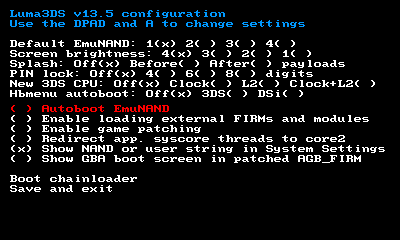
3DS Link is a new homebrew app for the Nintendo 3DS, posted on GBAtemp. It needs Luma3DS custom firmware, and its main trick is carrying local wireless multiplayer over the internet. The game thinks it sees nearby consoles, while the players can sit anywhere.
You add an Azahar room in the app. Azahar is a 3DS emulator for PC and Android, and its room server carries the game’s wireless traffic online. The author says real consoles and Azahar players can join the same match, with no Nintendo servers or accounts involved.
The app also has Titles Delivery, which sends installed games, updates and DLC to nearby consoles. The author claims it can reach seven consoles at once with the 3DS Multicast feature. Sending needs boot9.bin, which you dump from your own console with GodMode9 and never share.
Online rooms need Luma3DS 13.3 or newer. The author tested only 13.3.3. Azahar must hold 100 percent speed, and a home room may need UDP port 24872 forwarded on your router.
How to try it:
- Download 3DSLink.cia from the latest release on GitHub and install it with FBI.
- Open 3DS Link from the HOME Menu and let it check your installed titles.
- Add an Azahar room with its name, address, port and password, then switch on the games you want.
- Exit with START, then pick local wireless in the game as you would with people in the room.
Few 3DS games have online play, and 3DS Link brings the local wireless ones online. The post does not say how it performs with strangers on bad connections. That is the open question.